What is Claude Cowork?
Claude Cowork is Anthropic's advanced collaboration mode for Claude AI. It transforms Claude from a chatbot into an autonomous AI coworker with six core features.
Skills
Skills are reusable instruction sets that tell Claude exactly how to perform a task. Think of them as templates or recipes. Instead of explaining your requirements every time, you create a Skill once and reuse it forever.
What can you do?
- +Create custom writing styles (blog posts, emails, reports)
- +Build data analysis workflows that follow your methodology
- +Set up content generation with your brand voice and guidelines
- +Chain multiple Skills together for complex multi-step processes
- +Share Skills with your team for consistent output
- +Use variables like {topic} or {audience} for flexible inputs
Example
"You create a 'Weekly Report' Skill that takes {department} and {date_range} as inputs. Every Monday, you just say 'Run my Weekly Report for Marketing, last 7 days' and Claude generates a perfectly formatted report following your exact template."
Plugins
Plugins extend Claude's capabilities by connecting it to external tools and services. Without Plugins, Claude can only work with text. With Plugins, it can search the web, run code, generate images, and much more.
What can you do?
- +Web Search: look up current news, prices, facts
- +Code Interpreter: write and execute Python code for data analysis
- +Image Generation: create visuals, charts, and graphics
- +Document Analysis: read and summarize PDFs and spreadsheets
- +Calculator: perform complex mathematical calculations
- +Combine multiple Plugins in a single conversation
Example
"You ask Claude: 'Find the latest Bitcoin price, create a chart comparing it to the last 30 days, and write a brief market analysis.' Claude uses Web Search to get the data, Code Interpreter to create the chart, and its own knowledge to write the analysis."
Connectors
Connectors link Claude directly to the apps you use every day. Instead of copying and pasting information, Claude can read your documents, check your calendar, and access your knowledge base directly.
What can you do?
- +Google Drive: search, read, and summarize your documents
- +Notion: query your pages, databases, and knowledge base
- +Slack: read messages and respond in channels
- +Gmail: search and summarize email threads
- +GitHub: review code and pull requests
- +Manage permissions per Connector for security
Example
"You say: 'Summarize all emails from the client this week and compare them with the project plan in my Google Drive.' Claude accesses both Gmail and Drive, cross-references the information, and gives you a clear status update."


Dispatch
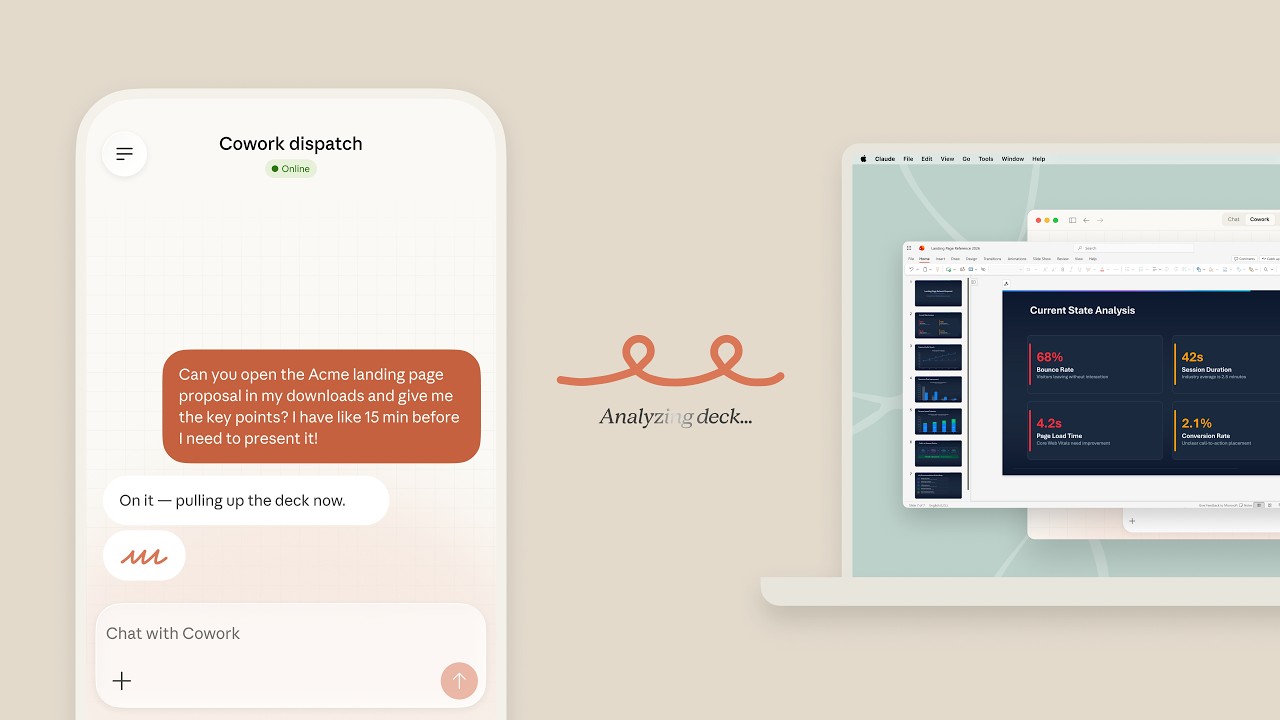
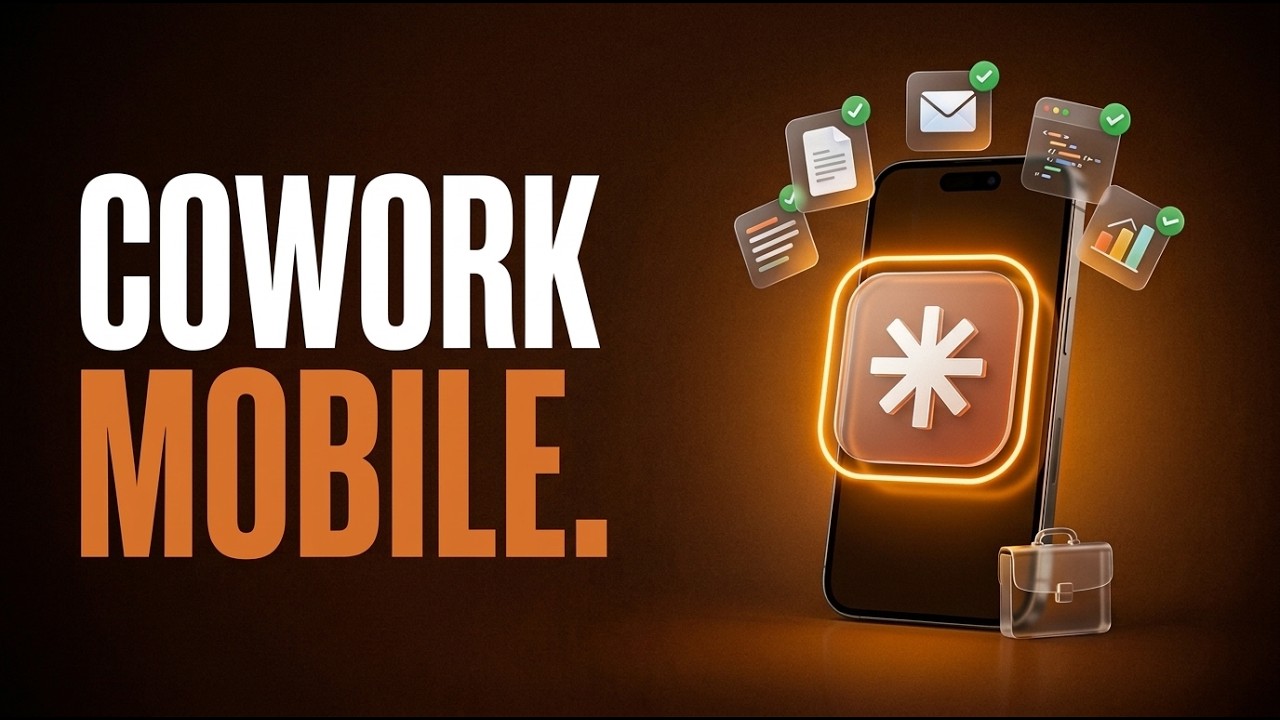
Dispatch lets you send tasks to Claude from anywhere, without opening the Cowork interface. It turns Claude into an always-available assistant you can reach from any device or app.
What can you do?
- +Send tasks via email to a dedicated Claude address
- +Assign tasks through Slack messages
- +Use WhatsApp or other messaging platforms
- +Combine with Skills for automatic processing
- +Get results delivered back to your preferred channel
- +Perfect for quick tasks when you're on the go
Example
"You're in a meeting and forward an email to Claude: 'Summarize this client proposal and draft a response using my Professional Email Skill.' By the time the meeting ends, the response is ready in your inbox."
Scheduled Tasks
Scheduled Tasks let Claude work on autopilot. You set up a task once, define when it should run, and Claude executes it automatically at the scheduled times. No manual intervention needed.
What can you do?
- +Daily: morning news summaries, social media posts, reports
- +Weekly: analytics reviews, team updates, content planning
- +Monthly: performance reports, invoice summaries
- +Custom schedules using cron expressions
- +Combine with Connectors to pull fresh data each run
- +Receive results via Dispatch (email, Slack, etc.)
Example
"You set up a Scheduled Task: 'Every weekday at 8 AM, check my Google Analytics, summarize website traffic vs. last week, and send me the report via Slack.' Claude does this automatically, every single morning."

Projects
Projects are persistent workspaces where Claude remembers everything. You can upload files, set instructions, and build context that carries across all conversations within that Project.
What can you do?
- +Upload reference documents, style guides, and data files
- +Set project-level instructions Claude always follows
- +Maintain context across multiple conversations
- +Organize different work streams (marketing, development, etc.)
- +Share Projects with team members
- +Combine with Skills and Connectors for powerful workflows
Example
"You create a 'Product Launch' Project with your brand guidelines, competitor research, and target audience data. Every conversation within this Project has access to all that context, so Claude always gives relevant, on-brand answers."